-
The Short Answer: Check These Three Before You Choose a Model
-
Why I Keep a Mistake Log
-
Mistake #1: I Treated VA Like a Gas Tank
-
Mistake #2: The Right Brand, Wrong Topology
-
Mistake #3: The Input Plug That Didn't Fit (24 Times)
-
Bulk Rackmount UPS: Check Mounting, Weight, and Depth
-
Bulk Modular UPS: Decide Redundancy at Order Time
-
When a UPS Is the Wrong Answer (and What to Look for in a Solar Inverter Supplier)
-
One Honest Caveat
The Short Answer: Check These Three Before You Choose a Model
If you're buying APC UPS models in bulk — rackmount, modular, or anything beyond a handful of desktop units — don't start with the model number. You're choosing a system: the UPS, the load it feeds, and the building it lives in. After seven years of UPS procurement, I've personally documented 14 significant mistakes, totaling roughly $18,000 in restocking fees, adapter cables, replacement units, and overtime labor (ugh). Almost all of them trace back to three causes:
- UPS topology that doesn't match the connected load;
- runtime calculated from VA instead of actual watts;
- assuming the input plug/receptacle at the site is probably standard.
No single 'which APC UPS model?' decision cost me as much as skipping those three checks. Every model choice I later regretted was a symptom of one of those misses.
Why I Keep a Mistake Log
Since 2018, I've handled power infrastructure purchasing for a regional IT and logistics company. We order UPS systems in bulk for warehouse network cabinets, server closets, and control systems. I've placed roughly 65 bulk UPS orders — maybe 70, if I count smaller battery replacement orders.
The log started after I made the same communication mistake twice in one year. I said 'standard power,' the site heard 'don't worry about it,' and we paid for it. So I started documenting each failure in a pre-buy checklist that our team reviews before every order. In the past 18 months, that checklist has caught 11 potential mismatches before purchase. There is something satisfying about catching a problem on paper before it costs someone a week of uptime.
Mistake #1: I Treated VA Like a Gas Tank
When I first started buying UPS systems, I assumed a 1,500VA model would last about twice as long as a 750VA model. It seemed intuitive. It was wrong.
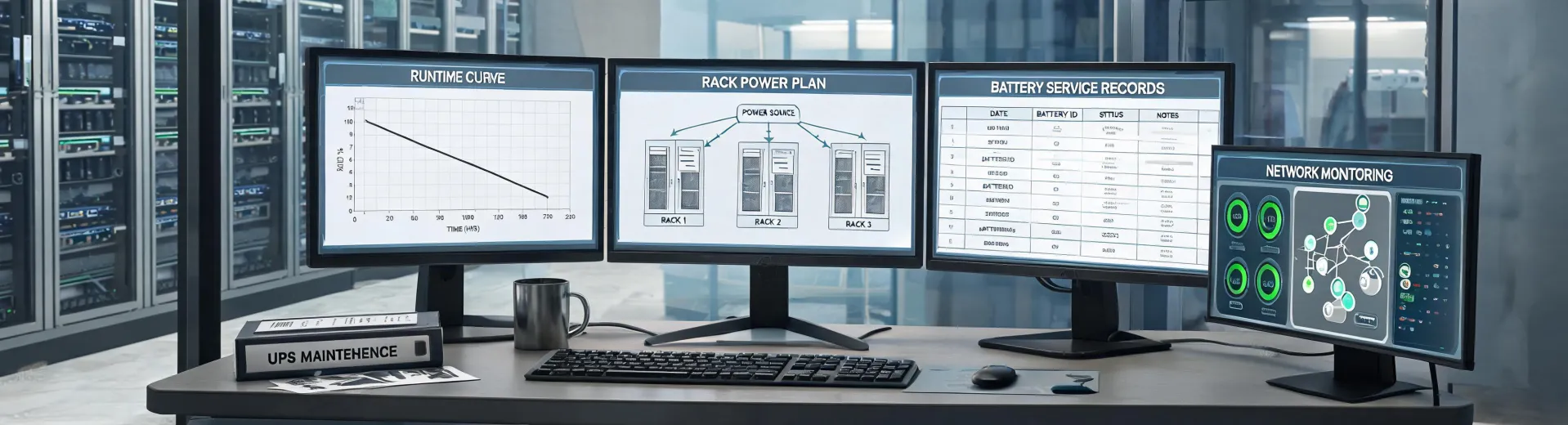
Runtime curves are not linear. They drop steeply as the load approaches the maximum rating. A UPS that gives 20 minutes at 50% load might give only 4 minutes at 90% load. And VA is not watts: a 1,500VA unit might be rated at 900W or 1,350W, depending on the model's power factor.
A 2021 failure taught me this. A customer needed 15 minutes of runtime to shut down a network cabinet drawing around 900W. I selected a 1,500VA Smart-UPS and saw '15 minutes' on a chart. A real load-bank test gave us 7 minutes and 55 seconds. The fix was an extra battery pack, an additional $580, and a week of delay while a new maintenance window was scheduled. The chart was technically right for an idealized condition — but not for our actual load profile.
The lesson: use the manufacturer's detailed runtime curve, recalculate in watts, and if the UPS supports a network management card, test the runtime before promising a number to your customer.
Mistake #2: The Right Brand, Wrong Topology
Everything I read early on told me that servers need online double-conversion UPS. The natural conclusion was that line-interactive units were always a compromise. In practice, I found the opposite: many standard server and network loads are perfectly fine on line-interactive, and the money you save can be invested in battery runtime — which is usually the thing that actually matters in an outage.
The key is knowing which loads aren't fine. In mid-2022, I ordered 12 rackmount line-interactive units for a site with a mix of servers, active PFC power supplies, and industrial control equipment. The line-interactive UPS kept switching to battery for no reason we could identify, and some equipment on the output dropped offline when the unit transferred. After replacing eight units with double-conversion online models, the problems disappeared.
Cost of that lesson: around $3,400 in restocking fees and price differences. Now my first question is never 'which UPS model should we sell them?' It's 'what exactly is on the output?' Sensitive equipment, unusual PFC loads, or gear that cannot tolerate a few milliseconds of transfer time → double conversion. Ordinary servers and switches → line-interactive is often enough.
That's a much more useful way to read APC UPS models: not good/bad, but right topology for the load.
Mistake #3: The Input Plug That Didn't Fit (24 Times)
At a 2021 client site, the facility team confirmed they had '250V, 30A power' available for a new row of rackmount UPS units. I ordered 24 units with NEMA L6-20P input plugs: 250V, 20A. When the order arrived, the site's receptacles were NEMA L14-30. Both are 250V class, but the blade patterns are completely different.
We were using the same words and meaning different things. They said 'the power is ready;' I heard 'standard receptacle.' The result: 24 UPS units that couldn't plug in without adapter cords at about $45 each, an electrician visit at $350, and a one-week delay in the deployment schedule. Total cost, around $1,430. All of it avoidable by looking at the actual receptacle.
(Note to self: a NEMA receptacle has its configuration number printed on it. Read it before placing the order, not after the shipment arrives.)
Bulk Rackmount UPS: Check Mounting, Weight, and Depth
When you buy bulk rackmount UPS, accessories are part of the spec. The rail kit isn't always in the box, and some APC models require a separate mounting kit, a shelf, or a specific rail adapter. Assuming 'it's four-post rack, it'll fit' has caused more than one shipment to arrive without the parts needed for installation.
Weight surprises people too. A 3,000VA rackmount UPS can weigh roughly 100 lbs / 45 kg. A one-person install of ten units doesn't work safely. Plan for two installers or a lift, especially for high-density models.
And measure depth. Some 19-inch racks are shorter than the UPS body, and protruding units not only look wrong, they can block airflow and create a hazard. The fix is a five-minute measurement before ordering.
Bulk Modular UPS: Decide Redundancy at Order Time
With bulk modular UPS, the most expensive mistake I've made wasn't about watts, plugs, or rails. It was about when to buy the redundant power module.
At the start of 2024 — I want to say March, but don't quote me — I ordered a modular UPS configuration that required 13 power modules for N+1 redundancy. The client's budget approval deferred the 13th module to the next fiscal cycle. I accepted it.
The next cycle arrived, and the module was no longer in stock. Global component shortages meant a 14-week lead time. For over three months, our client ran at N+0. They were lucky: no module failed during that window. But I spent a lot of nights not sleeping well.
Now my rule is simple: if you need N+1, buy N+1 when you place the order. Lead time for a spare may be 14 weeks. A module failure can happen in 14 days.
When a UPS Is the Wrong Answer (and What to Look for in a Solar Inverter Supplier)
Here's a professional boundary I've learned to respect: I procure UPS systems. I am not a solar inverter engineer. When a customer tells me their building has two-hour outages, several times a month, and asks for a bigger UPS, I tell them the truth — a UPS is the wrong tool for multi-hour backup. It's designed for short outages and power conditioning. For long outages, especially with solar and battery storage, the right equipment is a different class of hardware: a solar/battery inverter system.
That question comes up a lot: what to look for in a solar inverter supplier? From my side of the industry, the due diligence list looks similar to what I'd check with any power equipment supplier:
- Certification and listing. In North America, examine UL 1741 and IEEE 1547 compliance, and ask to see the actual certificate.
- Service network: how many local technicians can work on the product, and how fast are they available?
- Warranty process: who handles the RMA, who pays shipping, and what is the real turnaround time?
- Spare parts availability: check actual lead times, not the sales brochure.
- Monitoring and commissioning: do they support setup and provide visibility into system operation?
- Who actually manufactures the inverter? If it's rebranded, find out which company provides technical support.
According to UL Standards (ul.com), UL 1741 covers the safety of inverters, converters, controllers, and interconnection system equipment used in distributed energy resources. IEEE 1547 covers their interconnection with electric power systems.
Then I always say the most useful sentence: for a solar inverter, choose a specialist. If a supplier claims to be equally expert in UPS systems and solar inverters, they might be brilliant — but in my experience, generalists overpromise more often than specialists underdeliver. I'd rather recommend a solar and storage contractor than pretend I know their failure modes.
One Honest Caveat
If you're buying one or two small UPS units for an office, don't create a whole procurement process. Count the watts, check the plug, buy a known brand, and move on. At that scale, your time is worth more than the risk. A mistake with a single unit costs an afternoon. A mistake multiplied across 24 units costs a deployment.
And no checklist fixes overconfidence. The moment I assume I've seen every failure mode, I'll invent a new one. That's why this article is an incomplete list by design. What's worked for me is the habit: document the errors, share them with the team, and re-read the checklist when you're about to do something that feels routine.
That routine feeling is exactly when the next expensive mistake is waiting.

Rebecca Sloan
Rebecca Sloan is a power distribution and protection analyst specializing in circuit breakers, switchgear, contactors, fuses, surge protective devices, and coordination. She applies IEC 60947-2 breaker requirements, IEC 60269 fuse characteristics, and IEC 61643-11 tests while examining rated voltage, breaking capacity, time-current curves, selectivity, and prospective short-circuit current. She helps engineers and buyers compare protective devices against documented fault levels, installation conditions, maintenance access, and continuity priorities.