-
1. What's the first thing to check before ordering any APC UPS?
-
2. How do I tell a real UPS supplier from a site that just dropships?
-
3. Can I order UPS units OEM, and what's the minimum order?
-
4. What do people get wrong about replacement batteries?
-
5. Is the APC UPS BE600M1 the right choice, or should I size up?
-
6. Why do some UPS suppliers also quote oil filters and other MRO items?
-
7. What should I check when the pallet arrives?
-
8. What's the question nobody asks but should?
I handle UPS and electrical supply orders for a systems integrator — nine years now. Over that time I've personally made (and documented) eleven significant buying mistakes, totaling roughly $14,000 in wasted budget, restocking fees, and emergency purchases. This is the FAQ version of that notebook.
These are the questions that actually land in my inbox: sizing, sourcing, OEM orders, batteries, receiving — plus a couple nobody thinks to ask.
1. What's the first thing to check before ordering any APC UPS?
Watts, not VA. That's the mistake that started the notebook.
In 2018 I ordered twelve 600VA desktop units for a workstation bench. I sized off the VA number printed on the box. They dropped the load the second the workstations spun up, because VA (apparent power) and watts (real power) are not the same number — the gap between them is the power factor. A lot of small desktop units run a power factor around 0.5–0.6, which means a 600VA unit may only be rated somewhere near 330–360W. (I want to say the BE600M1 is 600VA / 330W, but check the datasheet for the exact SKU. I'm not quoting from memory again.)
That mistake cost about $640 in restocking fees and return freight, plus a week of scrambling before a client install.
Two more things worth knowing: UPS equipment sold in the US is typically listed to UL 1778, and the classification codes you see on spec sheets (VFI, VI, VFD) come from IEC 62040-3. VFI means the output is voltage- and frequency-independent — that's the one you want in front of anything sensitive.
Add up actual nameplate draw, leave 25–30% headroom for inrush and battery aging, then buy. Bottom line: find the watt rating before you find the price.
2. How do I tell a real UPS supplier from a site that just dropships?
From the outside, every reseller site looks identical — same product photos, same spec tables, same "in stock" badge. The reality shows up two weeks later, when something arrives dead and you find out who actually has a warranty channel and who just forwards your email to someone else.
Four things I ask before a first order:
- Is this unit physically in your warehouse, and can you confirm a serial range before it ships?
- Are you an authorized channel partner, or buying gray market?
- Who files the warranty claim if it fails in month three — you, or me?
- What's your restocking policy if the sizing turns out wrong?
A vague answer to any of those is a red flag. "Usually 2–4 weeks" is not a lead time, it's a guess. And a supplier who can't tell you which warehouse your pallet is sitting in before you pay is a supplier who's about to learn about your order at the same time you do.
3. Can I order UPS units OEM, and what's the minimum order?
Short answer: yes for some product families, and the minimum depends less on the brand than on the enclosure.
Rackmount and modular units are the usual OEM candidates (uninterruptible power supply OEM programs — your badge on their chassis). The small desktop line is rarely worth customizing; tooling and labeling costs eat the margin at anything under a few hundred units. I've never gotten a straight answer on why MOQs swing so wildly between product families. My best guess is that it tracks to the minimum production run for the sheet metal.
What I'd push back on is a supplier who won't quote you 10 units to pilot before you commit to 500. When I was starting out, the vendors who treated my $200 orders seriously are the ones I still send $20,000 POs to. Small doesn't mean unimportant — it means potential. A pilot run is a legitimate engineering step, not a favor.
4. What do people get wrong about replacement batteries?
They buy "the same size" instead of the same spec.
Physical dimensions are the easy part. What actually bites you: terminal type and orientation, amp-hour rating, and whether the cell is a VRLA/AGM rated for standby use (float service) or a general-purpose battery that cooks itself in two years. The label on the old cell is your spec sheet — photograph it before you recycle the thing.
Plus, check the date code on arrival. If your "new" batteries were manufactured eighteen months ago, they've already spent a chunk of their service life on a shelf.
Then there's heat. The rule of thumb I've heard is that every 10°C above 25°C roughly halves VRLA service life. I'm not a battery chemist, so take that with a grain of salt — but I've watched it play out in an uncooled telecom closet, where cells were done in under two years instead of the four to five you'd expect.
We didn't have a formal receiving check for batteries. Cost us when a batch of 40 cells arrived with the wrong terminals — $450 in return freight and a two-week gap in the maintenance schedule. The third time something like that happened, I finally built the checklist.
5. Is the APC UPS BE600M1 the right choice, or should I size up?
Depends entirely on what's plugged into it.
The BE600M1 sits in the Back-UPS family — small office, home office, network-closet duty. Fine for a router, a switch, a modem, a small NAS, a PoE injector. It is not the unit I'd put in front of a workstation with a big GPU, and it's not going anywhere near a motor load, a laser printer, or a pump.
Two things to verify. First, output waveform. Most units in that class put out a stepped approximation of a sine wave, which switching supplies tolerate but active-PFC supplies sometimes don't. Check the datasheet for your specific SKU rather than trusting a forum thread from 2016.
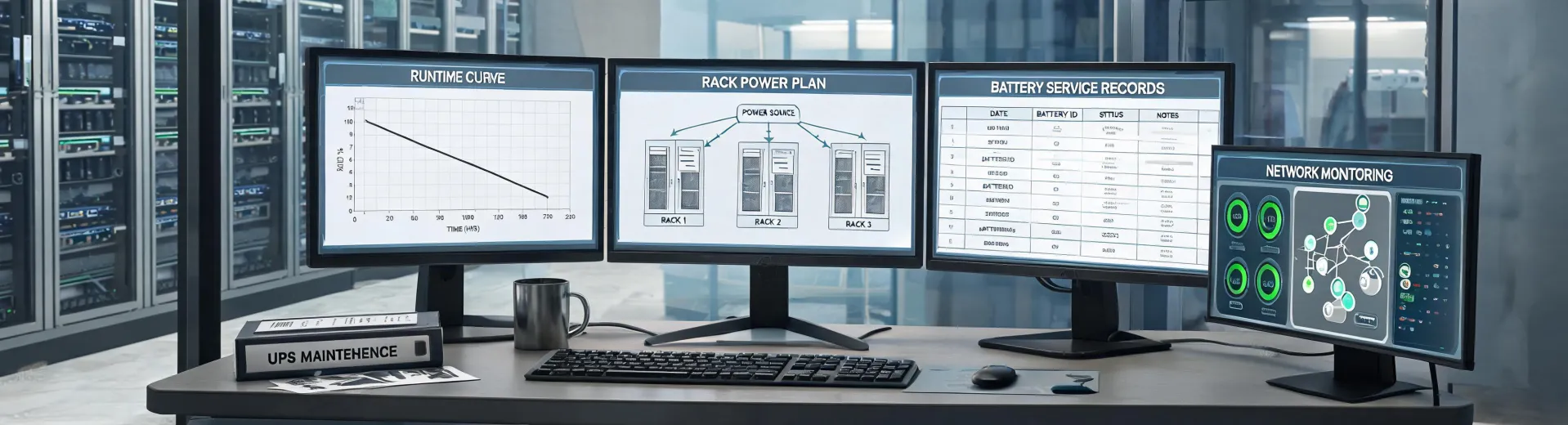
Second, read the runtime chart at your actual load — not the "up to X minutes" headline, which is usually measured at something like 50W. If you need true sine wave output, a network management card, or runtime past ten minutes at real load, you're shopping Smart-UPS, not Back-UPS.
6. Why do some UPS suppliers also quote oil filters and other MRO items?
Because industrial distributors bundle. Once a supplier is already shipping you pallets of electrical gear, adding filters, belts, and shop consumables to the same account saves everyone freight.
Here's the trap: the cost logic doesn't transfer. UPS pricing is driven by battery cost, power electronics, certification, and channel margin — a fairly fixed, engineered bill of materials. Oil filters are closer to a commodity, and the price moves on media type, micron rating, collapse pressure, canister versus cartridge design, and how much air you're shipping (filters are bulky and low value-density, so freight is a bigger share of landed cost than most people assume).
If you're assembling an oil filter wholesale cost guide, get quotes at three volumes and compare unit cost plus freight, not unit cost alone. From the quotes I've seen on common spin-on filters, the ballpark at 100–500 pieces landed somewhere around $2 to $6 per unit depending on spec and whether it was an OE-equivalent or a generic (that's early 2025 pricing — verify, don't hold me to it). The point is to benchmark the category you're actually buying, not the category you already understand.
7. What should I check when the pallet arrives?
Four things, in this order, before you sign anything.
- Serial numbers against the packing list. Not model numbers — serials. That's how you catch a substitute SKU before it goes on a shelf.
- Battery date codes on every unit. Written down, not eyeballed.
- Shipping damage, inside and out. UPS units are heavy, and a battery that's been dropped can look fine externally and fail internally three months later.
- Freight terms. Dock delivery and "delivered to the rack" are not the same quote, and I've watched that gap cost more than the unit.
We ran without a formal receiving check for years. It cost us when a pallet came in with four visible dents, we signed anyway (the driver was waiting, unfortunately), and the claim got denied for "concealed damage." That was $890 in replacement batteries and a week of a very unhappy operations manager. Now there's a laminated checklist taped inside the receiving door, and we've caught a dozen problems at the dock instead of at the rack.
8. What's the question nobody asks but should?
"What does this cost me in year four?"
Everyone compares unit price. Almost nobody compares total cost of ownership (i.e., the unit, the batteries you'll replace in year three, the management card, the service contract, and the labor to swap cells). A $180 desktop unit and a $600 rackmount unit can land in the same place after four years if the cheap one eats batteries annually and the expensive one runs them for five.
Ask for the replacement battery part number and current price before you buy the unit. If the supplier can't answer that, they've never supported one past the warranty. Then ask whether the management software is licensed per device or per site — that's the line item that surprises people at renewal, and it's a deal-breaker for a distributed rollout if you didn't plan for it.
Basically: whoever can give you the year-four numbers is the supplier worth keeping.

Ingrid Bauer
Ingrid Bauer is an industrial automation and electromechanical systems analyst specializing in variable-frequency drives, motors, pumps, and complete power-drive systems. She applies IEC 61800-9-2 drive-efficiency methods, IEC 60034-30-1 motor efficiency classes, and ISO 9906 pump tests while examining torque-speed duty, harmonics, head, flow, and operating-point efficiency. She helps engineers size drive and pump combinations for real load profiles, cable lengths, ambient conditions, process control, energy use, and maintenance access.